Project Materials
Oscar Sort Bin Project
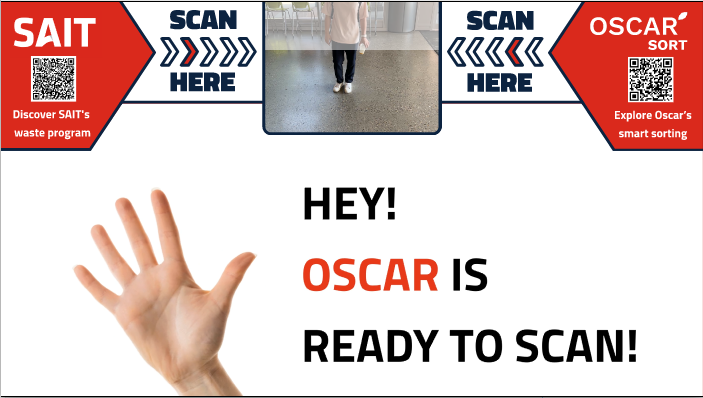
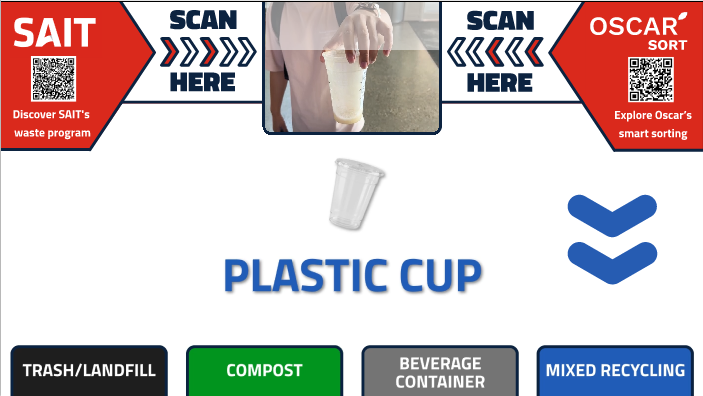
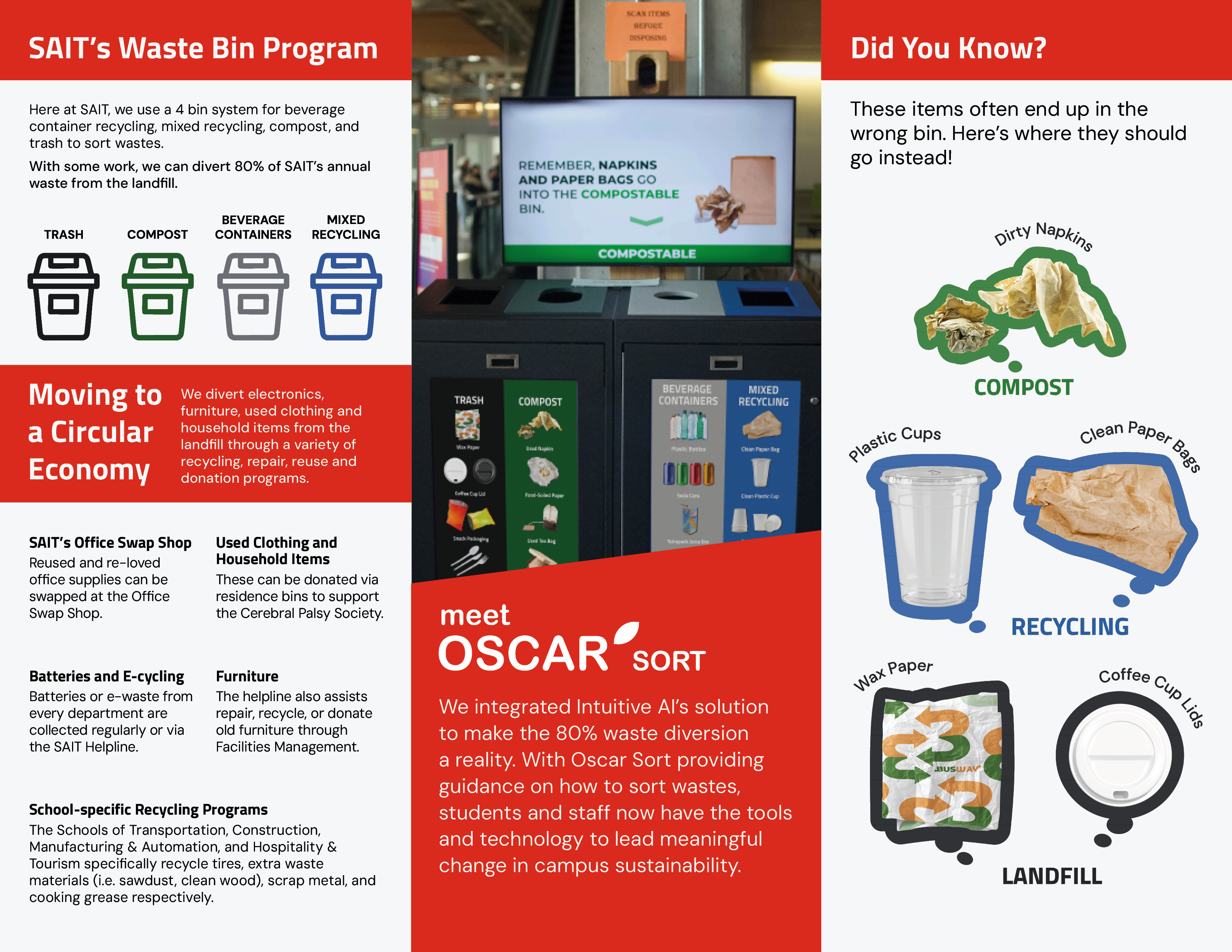
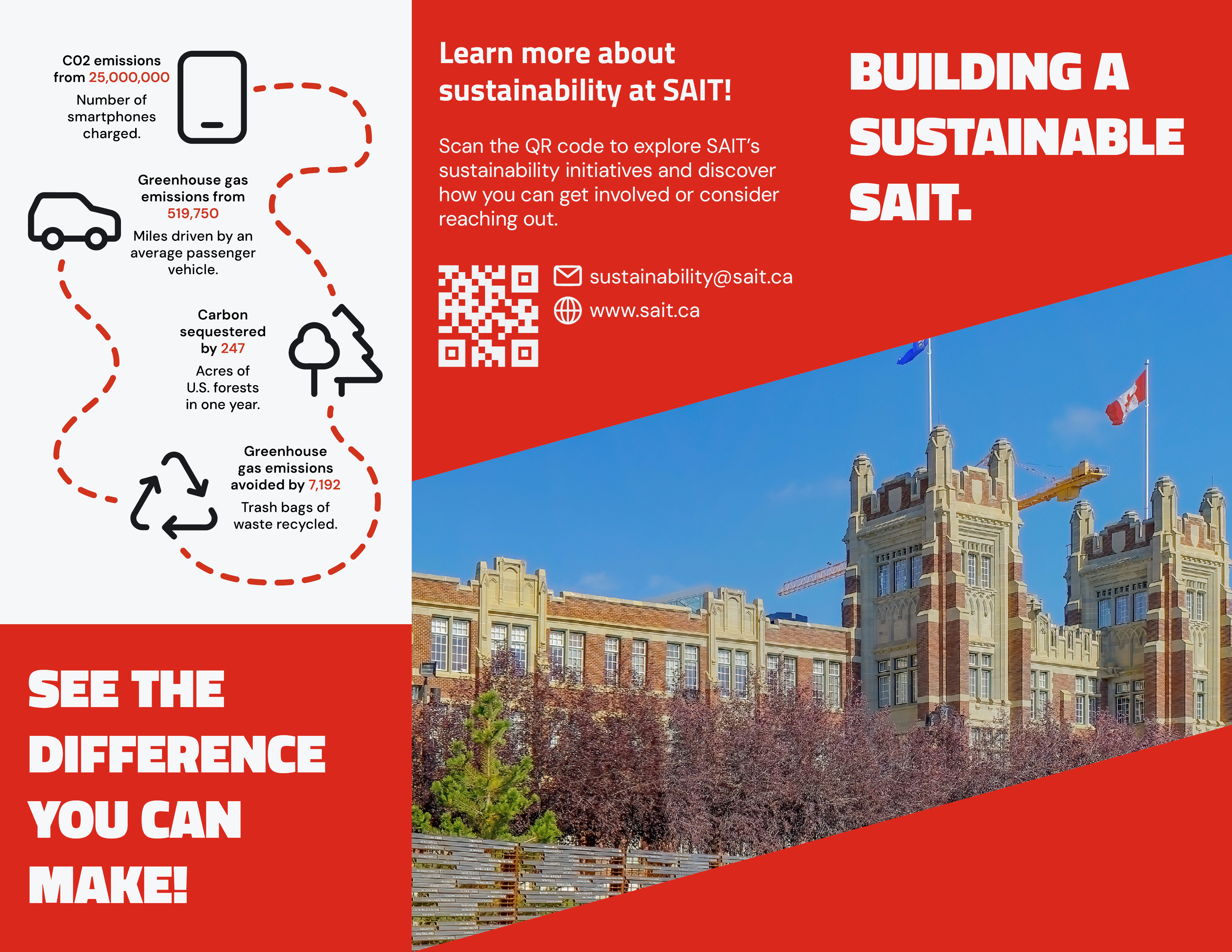
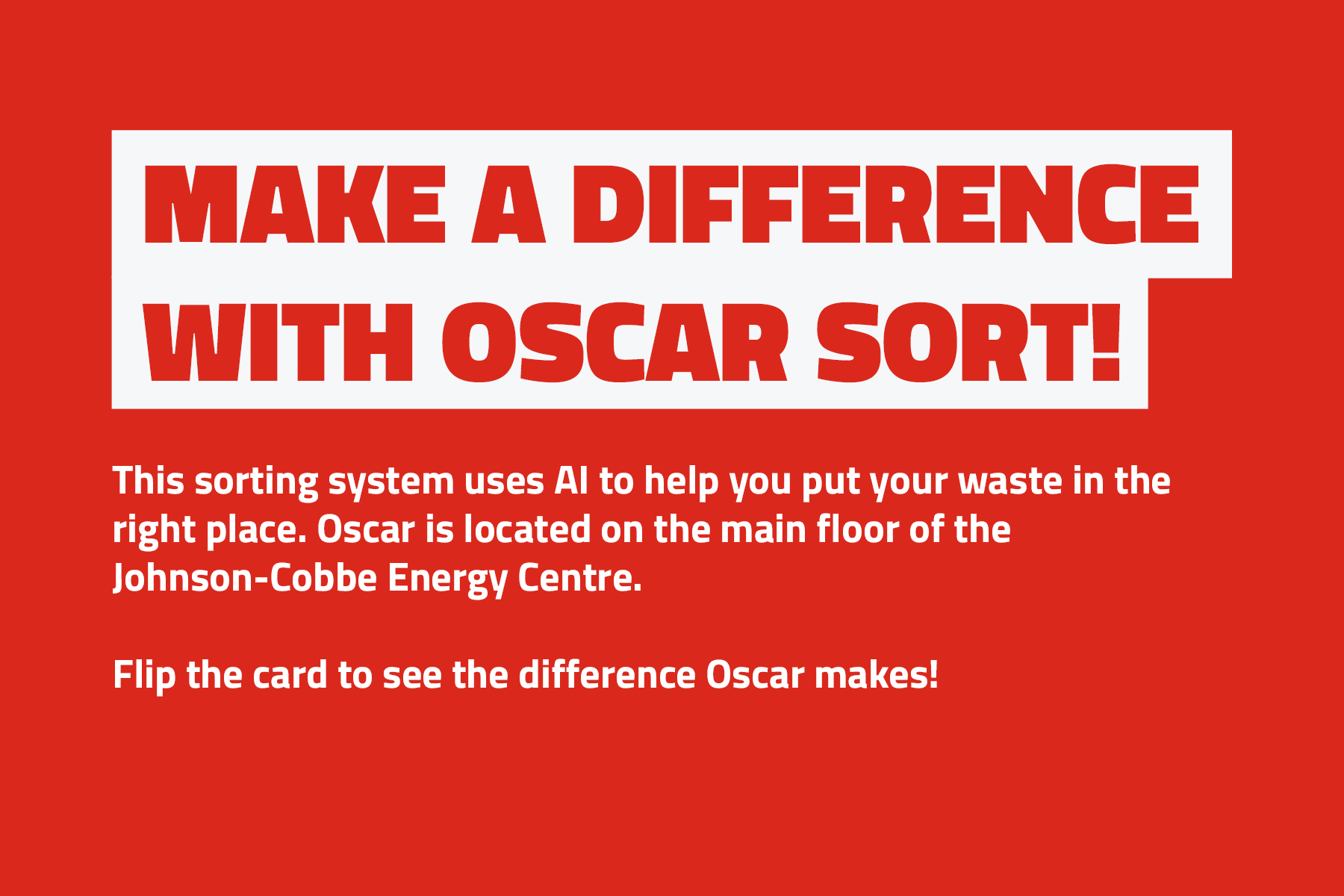
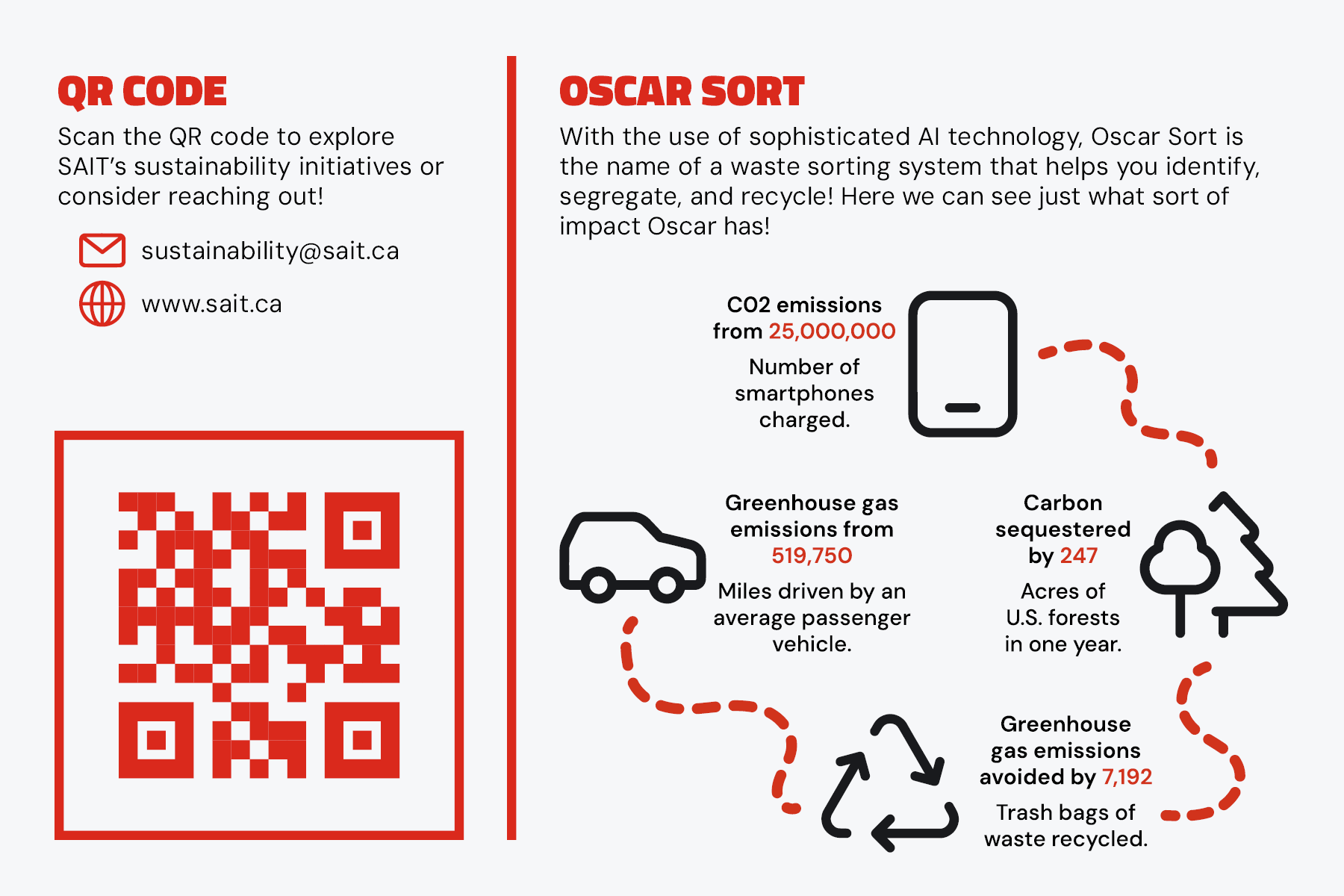
The Oscar Sort Bin Project was initiated to improve SAIT’s campus waste diversion rate, which currently stands at approximately 45%. Incorrect waste sorting creates safety hazards, increases disposal costs, and wastes resources. This project aimed to make waste sorting simple, accurate, and engaging for students and staff by redesigning the waste bins, SAIT webpage, and Oscar Sort UI, creating educational content, implementing a rewards system, and other related improvements.
Problem & Design Solution
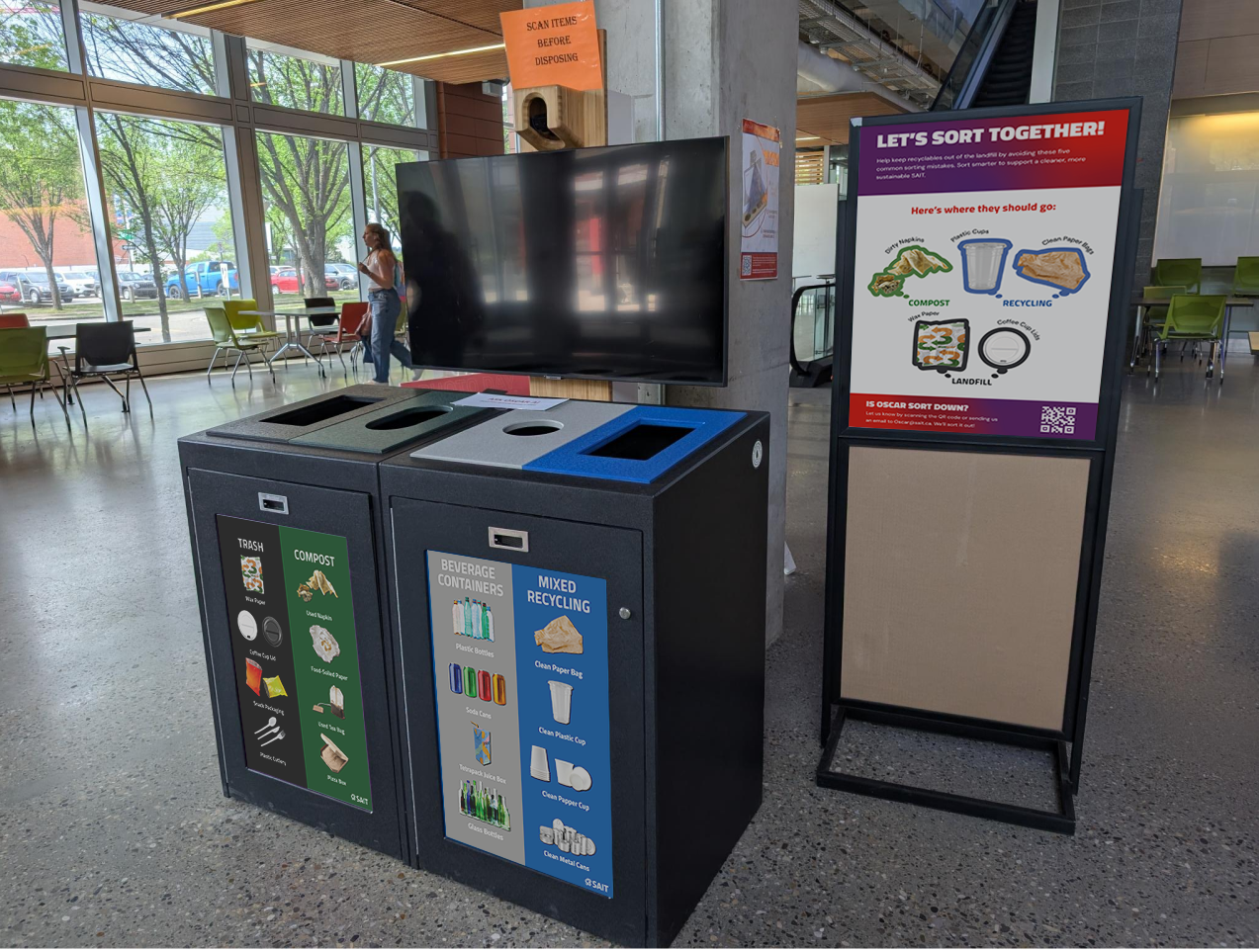
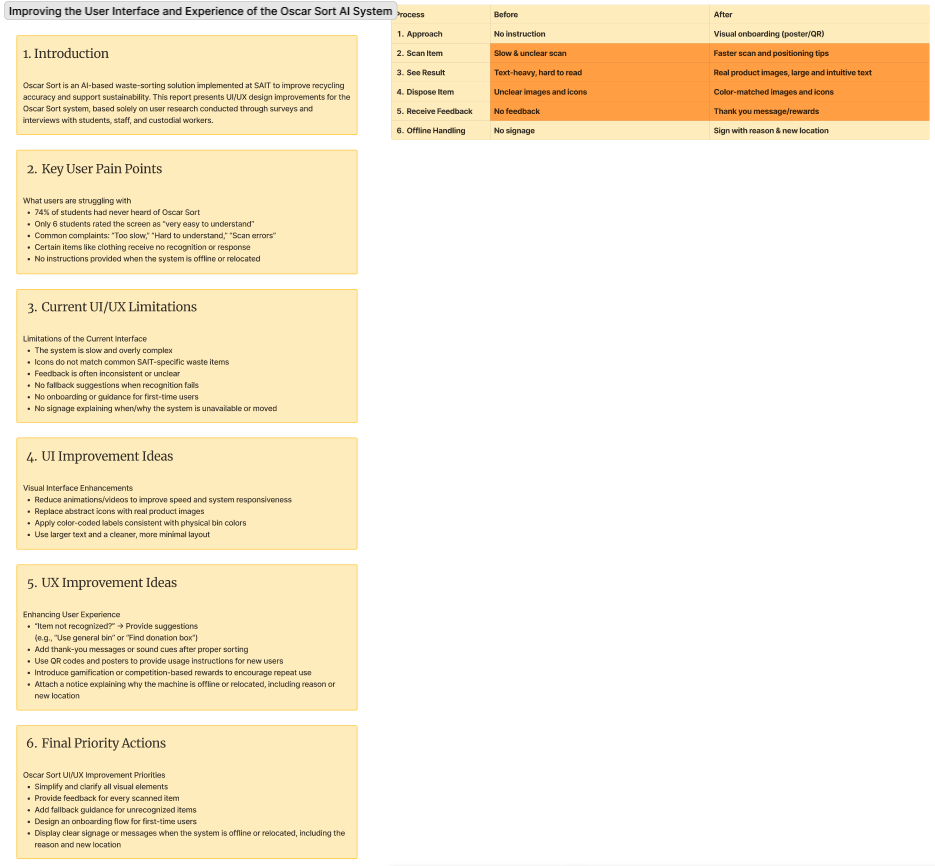
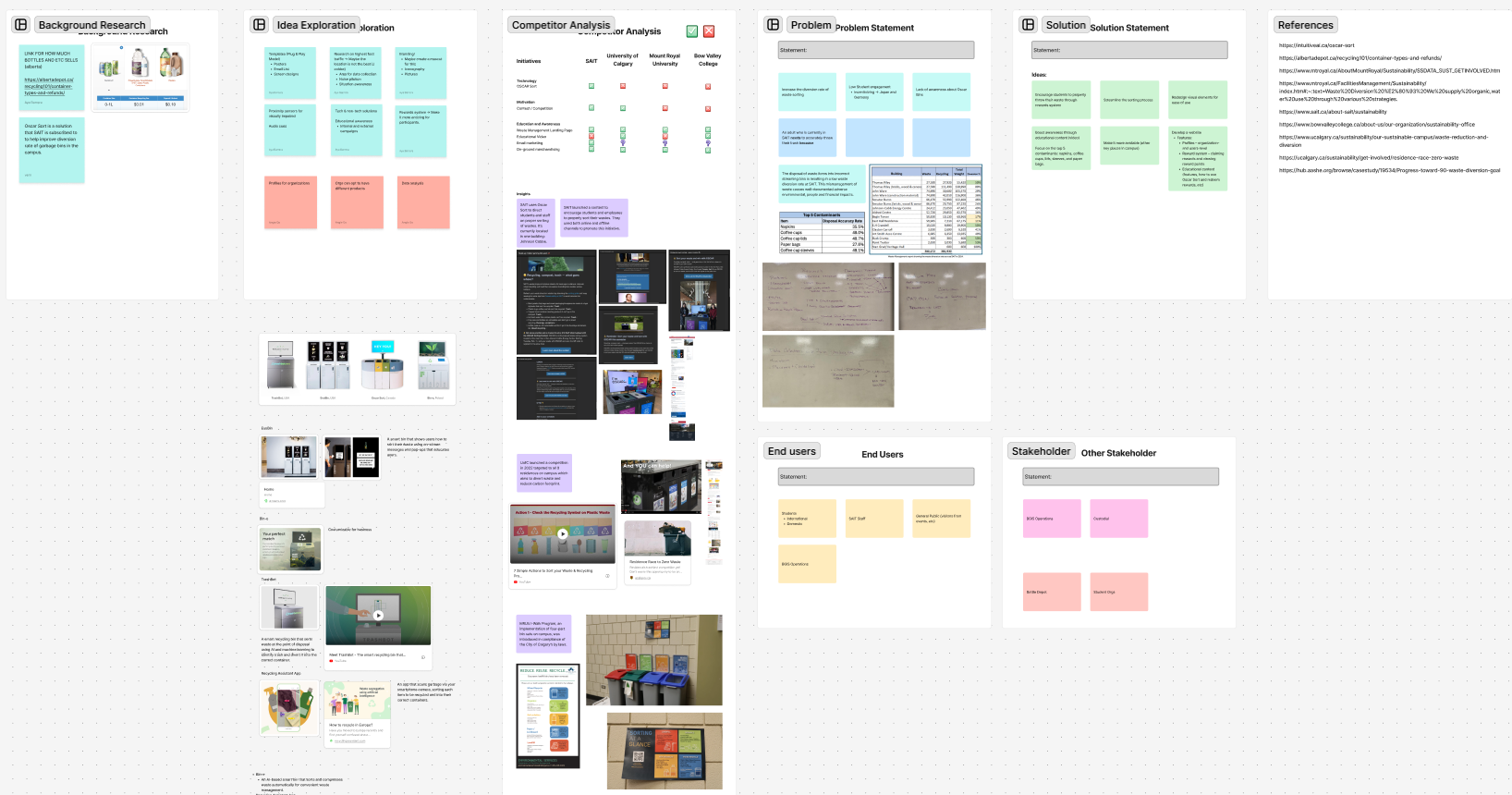
International students have a low understanding of waste sorting, and there is a lack of clear information on waste bins about how to sort waste. Awareness and usage of Oscar Sort are low. In addition, the visual elements do not match the colors of the actual waste bins and the Oscar Sort UI, and the slow animation speed reduces the overall user experience.
-
Design Solutions:
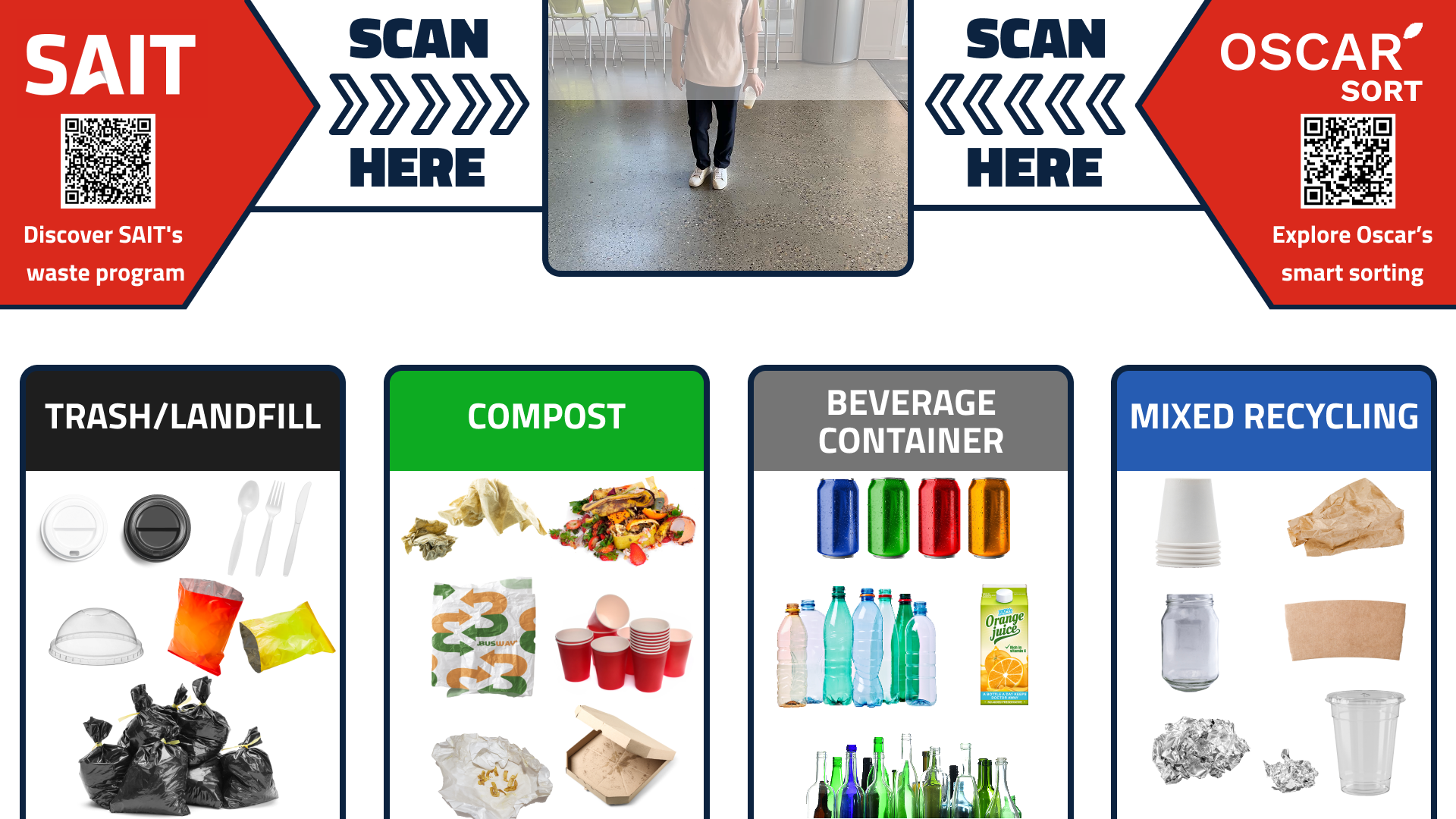
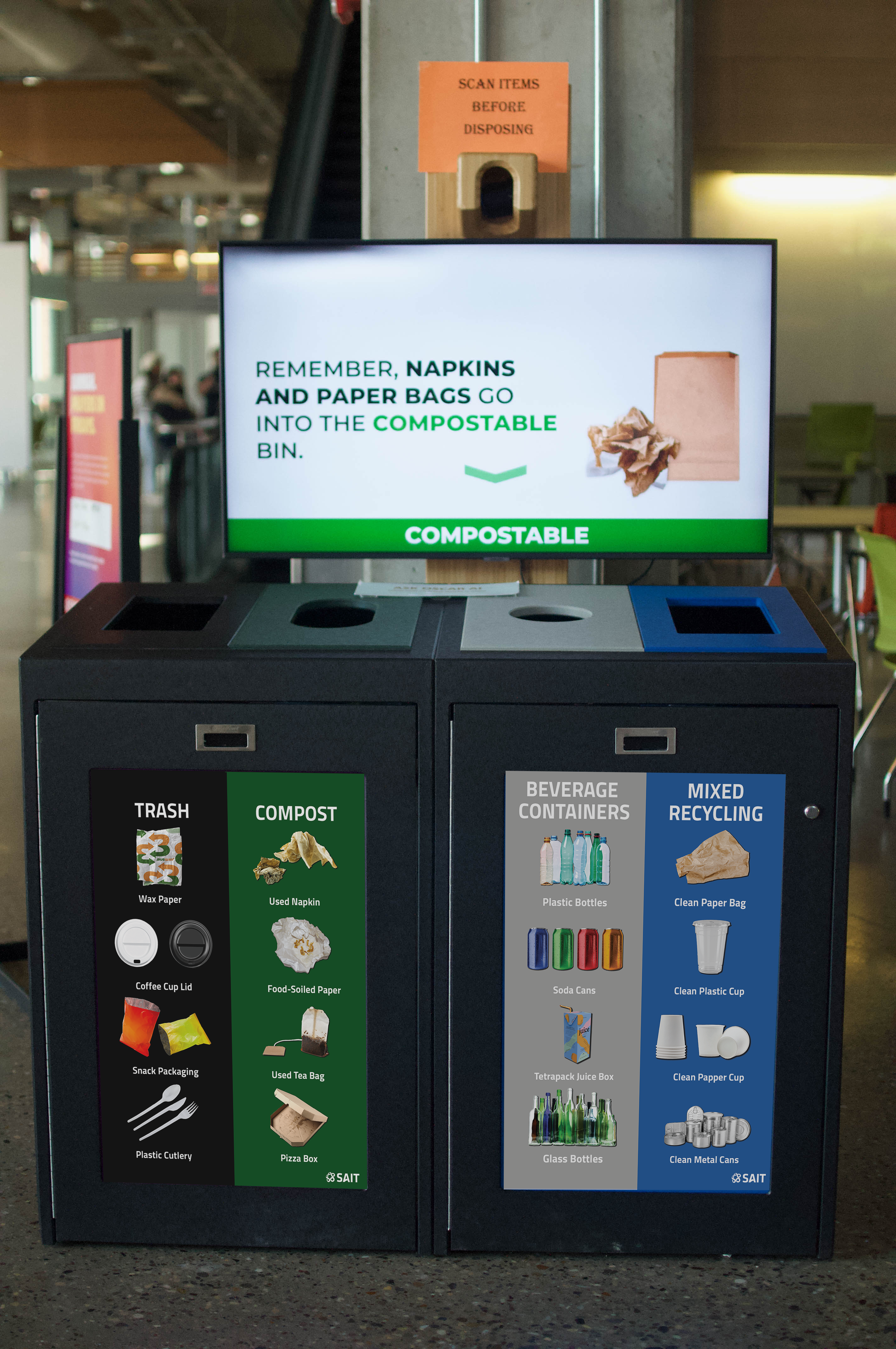
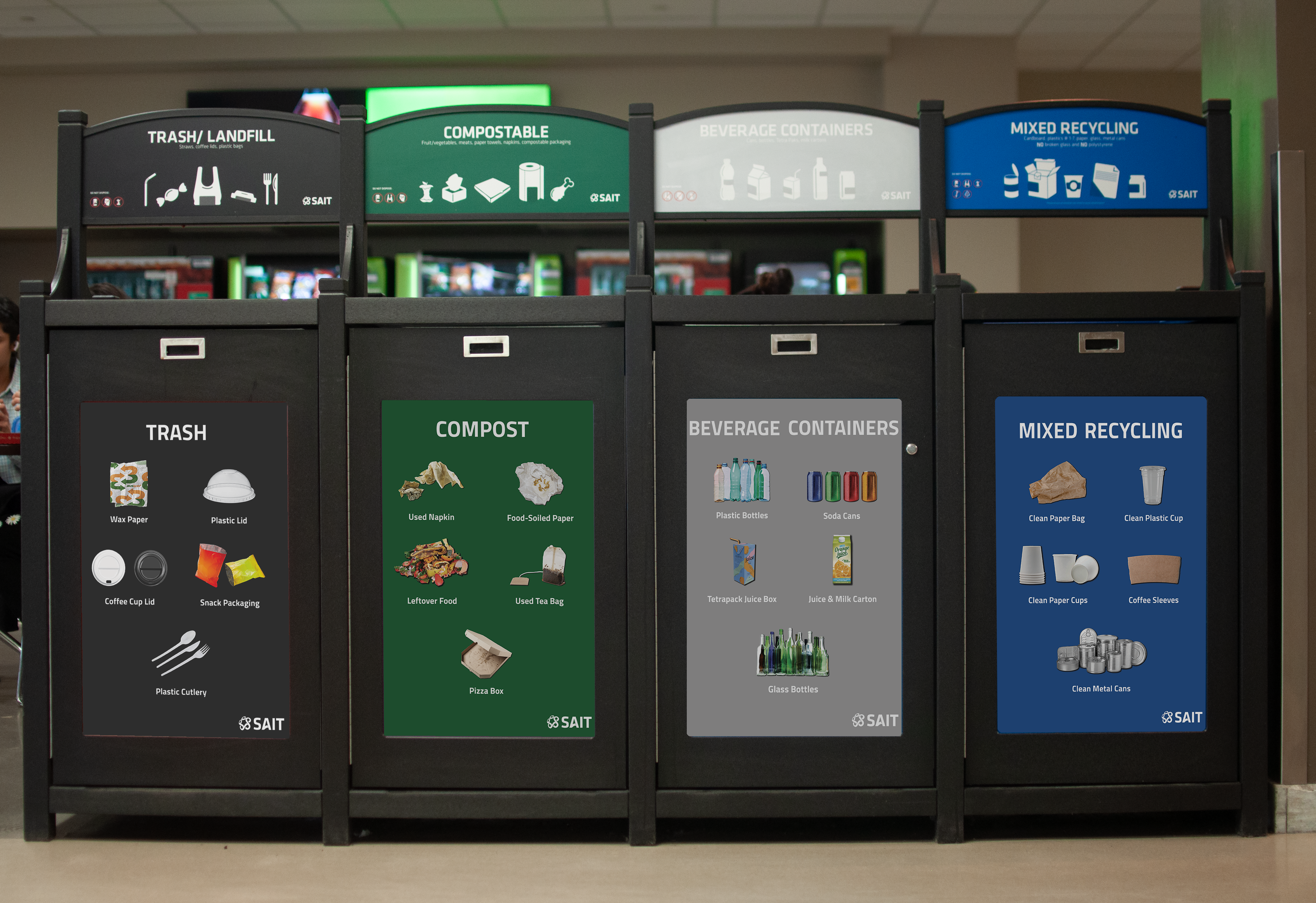
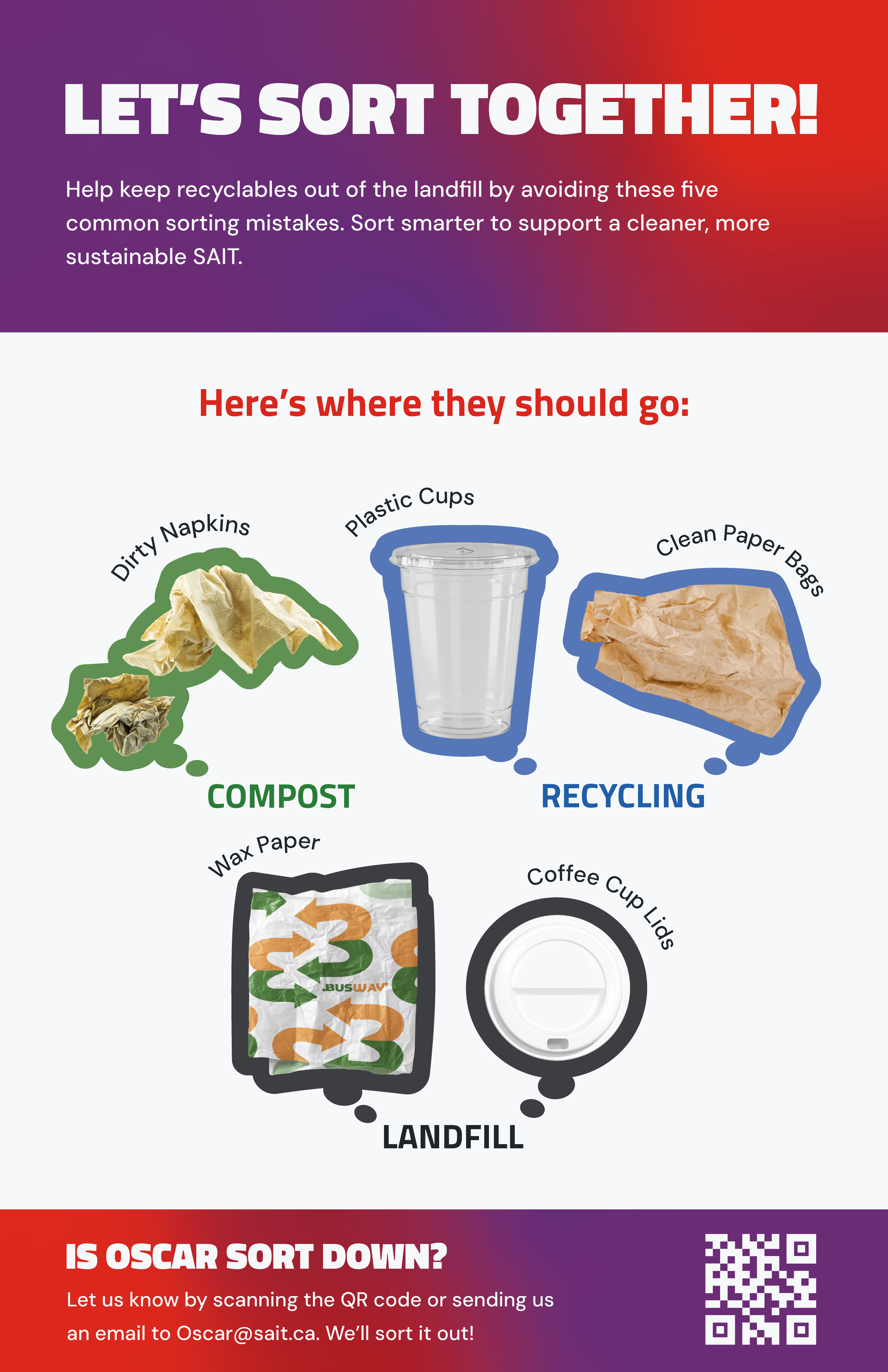
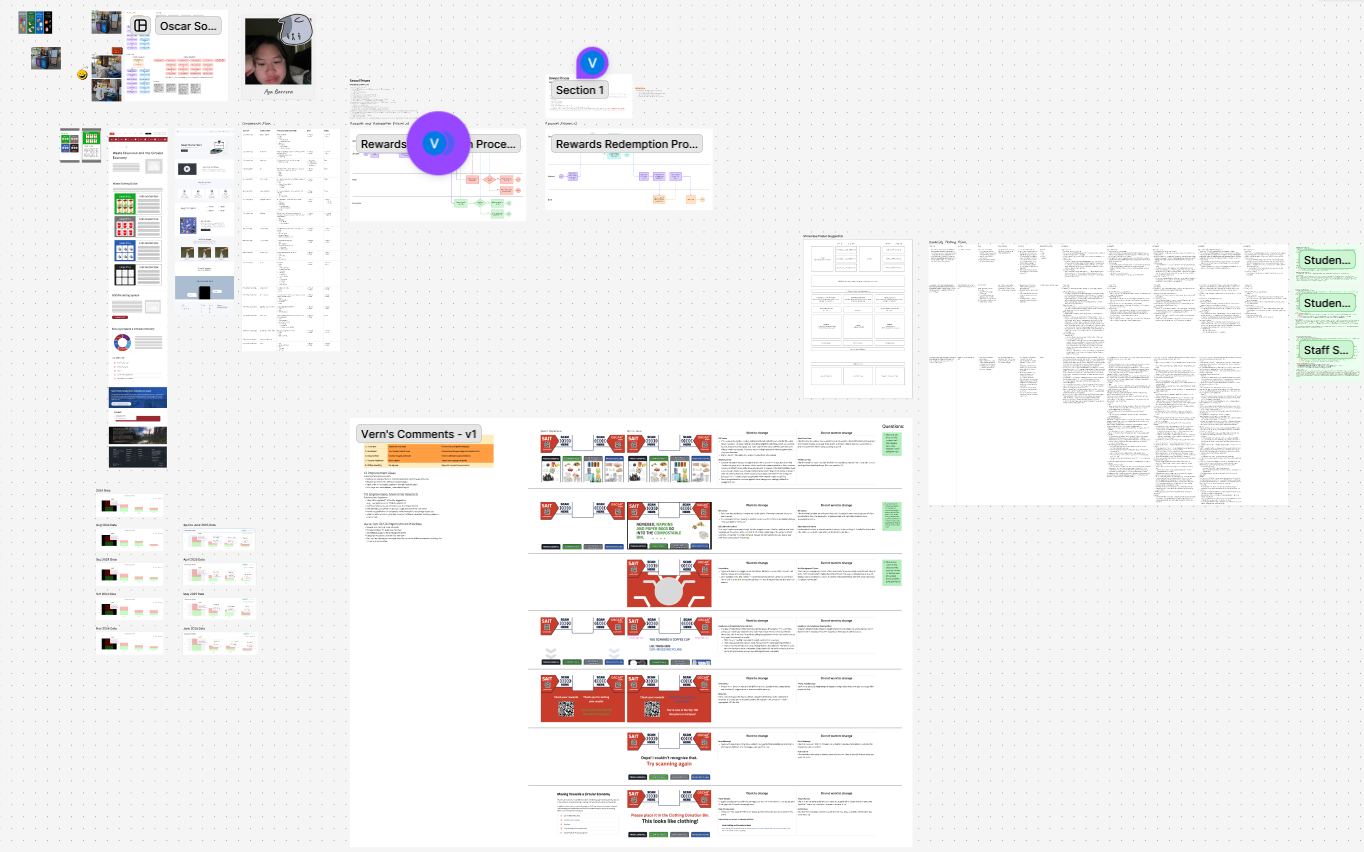
- Improve the color scheme of the physical waste bins through updated posters.
- Provide more detailed information on the physical bins using icons with real product images.
- Match the colors of the physical waste bins with those in the Oscar Sort UI.
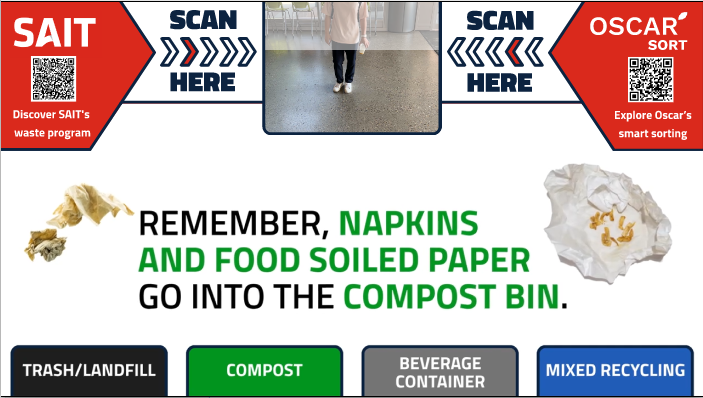
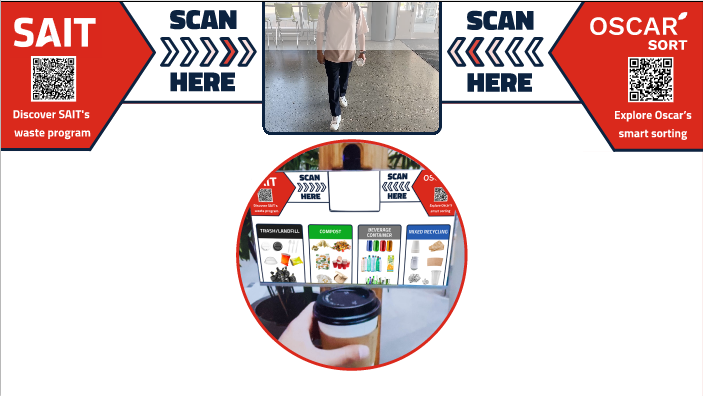
- Reduce unnecessary animations and visual elements when users scan items.
- Increase awareness through educational videos and posters.
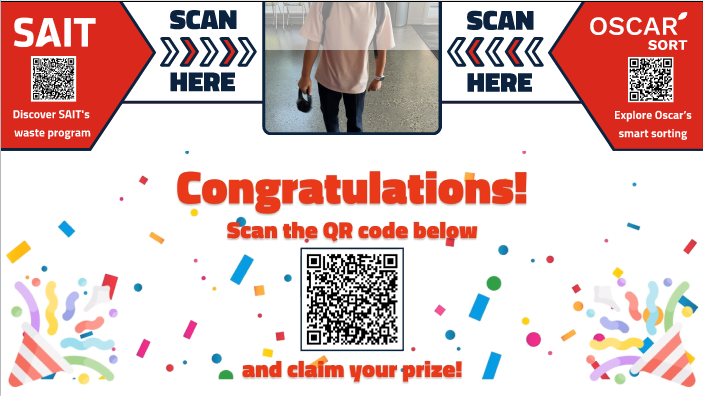
- Encourage participation by introducing a rewards system.
Research & Key Insights
For Oscar Sort UI:
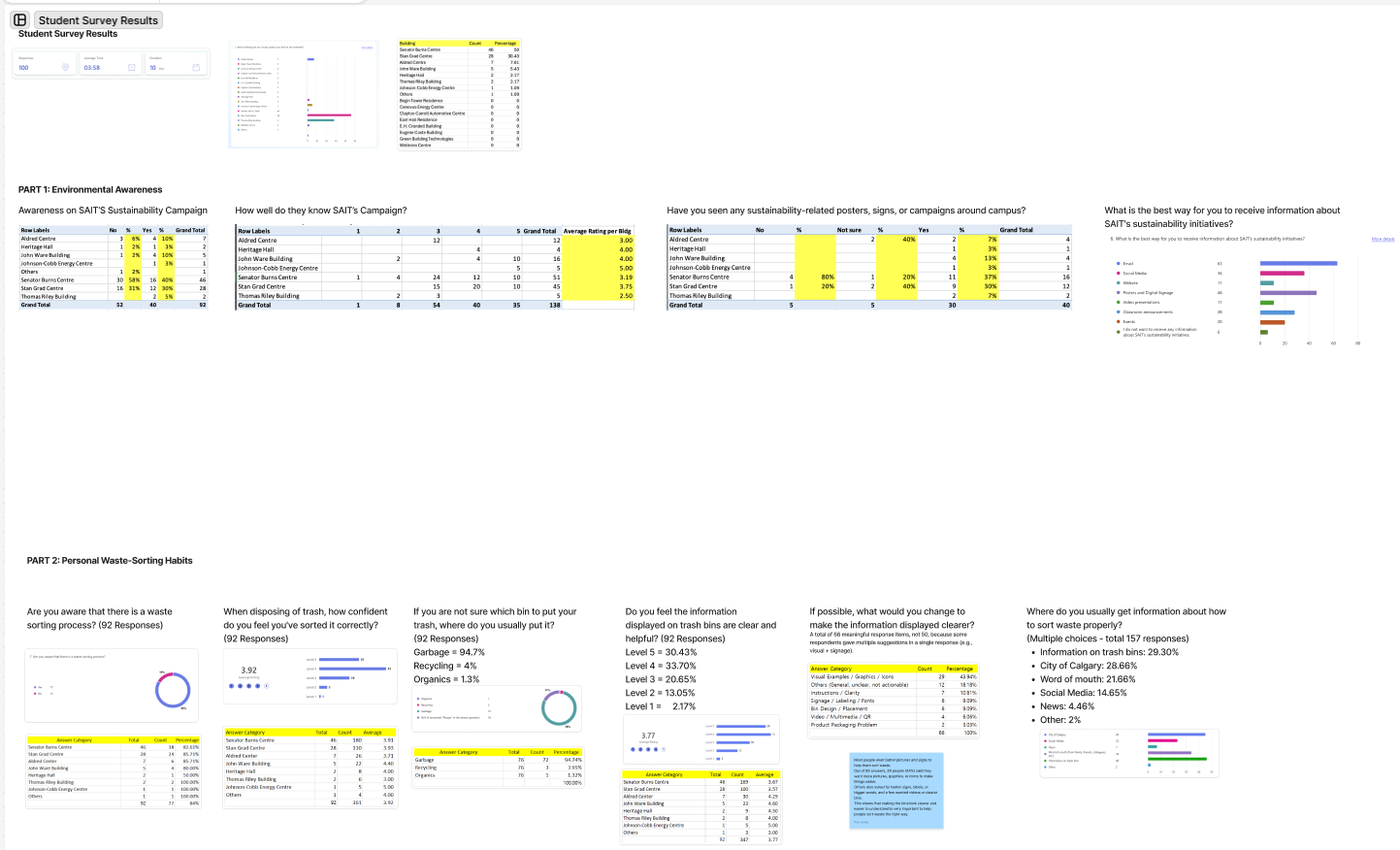
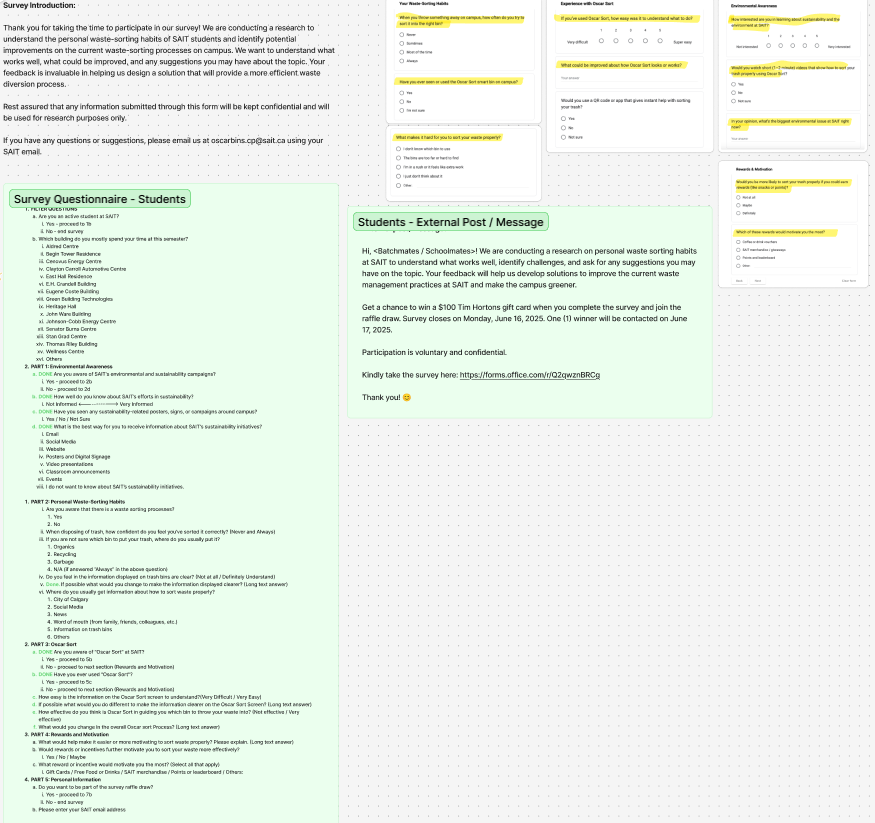
- 74% of SAIT students had never heard of Oscar Sort
- Users reported issues such as “too slow” and “needs more description”
- TMismatch between UI colors and physical bin colors caused confusion
- Educational content and rewards likely to be effective motivators
My Role & Tools Used
UX research, UI redesign, survey design and analysis, usability testing.
- MS Forms
- Figma
- Jitter
- Adobe Photoshop
- Abobe Audition
- Adobe Premier Pro
- MS Teams
- MS Planner
Team Process
UX research, UI redesign, survey design and analysis, usability testing.
- Used a hybrid methodology combining Agile and Waterfall
- Weekly sprint planning on Wednesdays and weekly review on Fridays
- Task tracking and file sharing via Figjam, Teams, and Planner
- Clear role assignments and weekly check-ins
Takeaways
UX research, UI redesign, survey design and analysis, usability testing.
- Visual consistency and matching with the physical environment reduce user confusion
- Prioritized usability over pure visual appeal
- Rewards and educational materials effectively increase engagement
- Close communication and regular feedback are key to project success
- Accepting and applying team feedback quickly is key to project success
- Workload distribution is essential for preventing conflict